
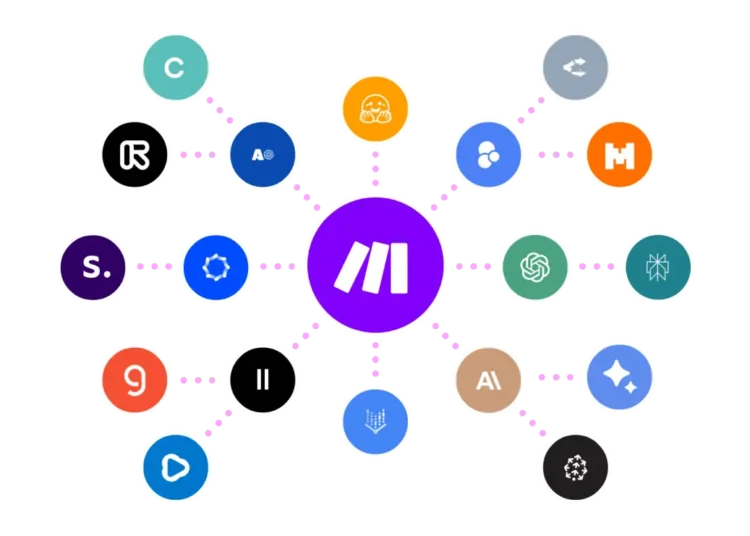
Make.com is a no-code automation platform for building automated workflows, called scenarios, that move data between apps by drag and drop. It is one of the best tools for learning automation hands-on and getting rid of repetitive tasks, from copying data between spreadsheets to connecting forms with email and AI tools.
Key features
- Visual builder: Build scenarios by drag and drop.
- Thousands of integrations: From spreadsheets and CRMs to messaging and payments.
- Conditional, multi-step logic: Beyond simple one-to-one triggers.
- Visual execution log: To trace and fix errors.
- Templates: For common automation cases.
Pricing
There is a free plan with a limited number of monthly operations. Paid plans start around $9 to $16 a month for moderate volume and rise with the number of operations your scenarios run.
Prices can change, so check Make.com’s official pricing page before you subscribe.
Pros and cons
| Pros | Cons |
|---|---|
| Removes a lot of repetitive manual work | Conditional logic takes time to learn |
| Free plan is enough to learn and experiment | Costs rise with operation volume |
| Easier than writing custom integration code | A broken app connection can stop a scenario unnoticed |
Use cases
- Connecting a form to a sheet and email: Add each new signup to a spreadsheet and send a welcome email automatically.
- AI-powered automation: Pass incoming text to a language model to summarize or classify it, then save the result.
- Auto-sharing content: Share each new article on your channels as soon as it is published.
Make.com vs Pabbly
Make.com is stronger for complex scenarios, conditional logic and integration count. Pabbly focuses on flat pricing and simplicity.
Who it’s best for
Anyone who wants to learn no-code automation and remove repetitive tasks between apps.
Skip it if you have very few repetitive tasks. Building and monitoring scenarios may take more time than they save.
How to get started
Start on the free plan with a template for one task you repeat weekly, and watch how many operations it uses.
Start automating with Make.com
FAQ
Do I need to code? No. Building is visual, though understanding conditional logic helps.
What are operations? Each step a scenario runs. They are the basis for pricing.
Is the free plan enough? It is enough to test simple automations and learn.
Disclosure: al-khwarizmi may earn a commission if you sign up for Make.com through links in this article. This does not change the price you pay, and it does not influence which tools we cover.