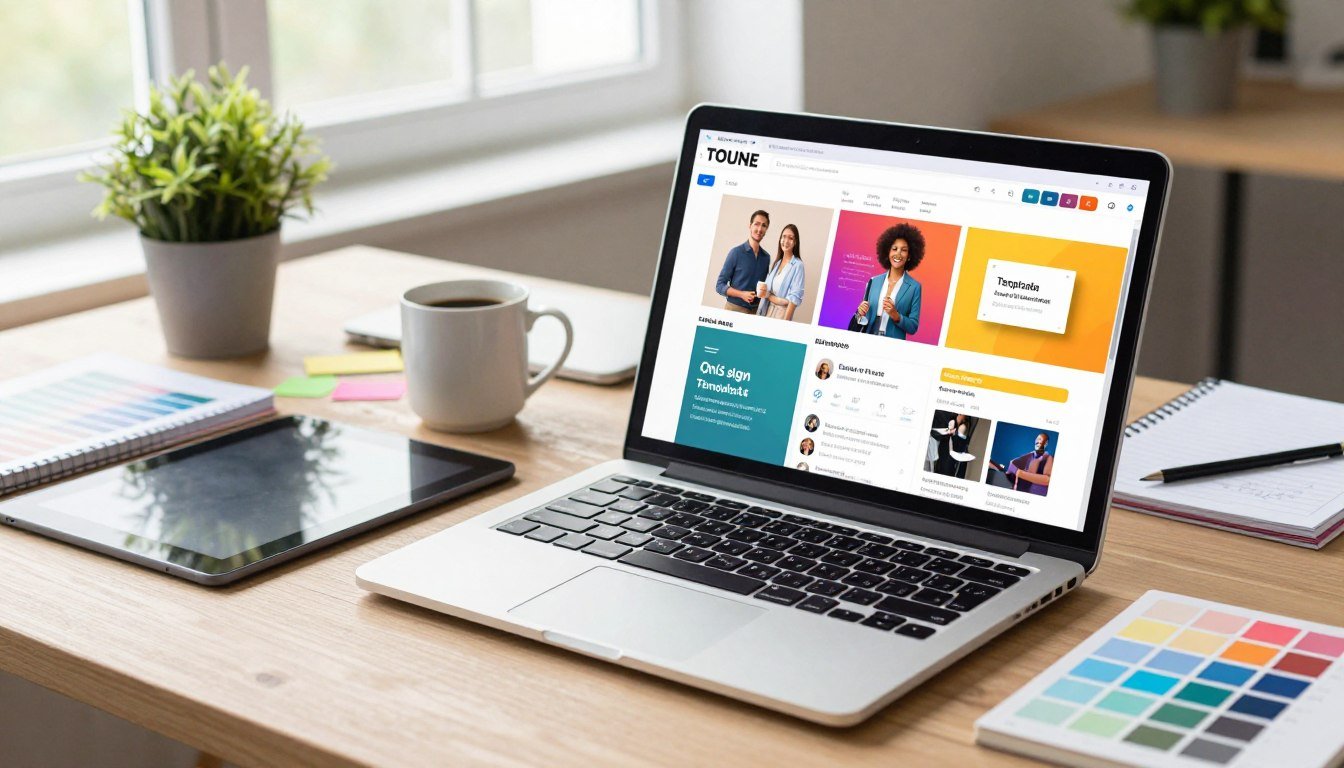
Need professional graphics but lack design skills? A powerful online platform makes it simple. Envato Placeit offers the largest collection of mockups, videos, logos, and design templates all in one spot.
You can start for free. Just plug in your content using a drag-and-drop editor. Then download your creation with a single tap. Envato Placeit is built for speed, turning ideas into finished assets fast.
Whether you’re an entrepreneur building a brand, an eCommerce seller showcasing products, or a creator needing social media posts, it fits. Use it for business cards, flyers, YouTube intros, and Instagram Stories.
Access everything from your web browser or a dedicated mobile app. This review will explore its features, pricing, and tools to see if it’s right for you or your team.
Key Takeaways
- Envato Placeit provides a huge library of professional design templates and mockups.
- You can start designing for free with an intuitive, drag-and-drop interface.
- It is built for speed, allowing quick edits and one-tap downloads.
- Envato Placeit is versatile for logos, product displays, and social media content.
- It supports a wide range of projects from print materials to video intros.
- You can access the service both on the web and through a mobile app.
- It is designed for users of all skill levels, from beginners to professionals.
What is Envato Placeit?
For entrepreneurs and creators who need polished graphics without a steep learning curve, a web-based tool offers a practical solution. Envato Placeit, this specialized platform is owned by Envato and focuses on template-driven creation for people who aren’t professional designers.
Its core function is to be a one-stop shop for branding and visual asset creation. Envato Placeit consolidates mockups, logos, videos, and social media templates into a single, accessible service.
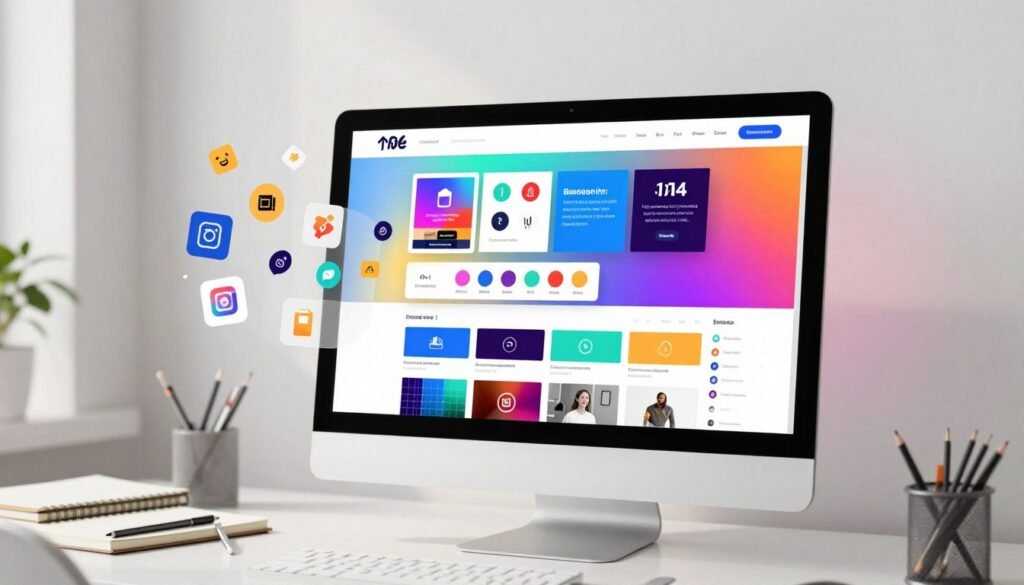
The target audience includes eCommerce merchants and print-on-demand sellers. Small business owners, content creators, and marketers also use it to get professional visuals fast.
You operate on a simple premise. Select from a massive, professionally-made template library. Then customize your choice using intuitive, in-browser tools.
Envato Placeit integrates smoothly with eCommerce ecosystems. A key partnership with Printify allows for seamless product mockup creation.
This service champions a “Do It For You” vision. It handles the complex design work so you can focus on your content and branding message.
It is important to clarify what this tool is not. It is not a full-scale graphic design suite like Adobe Creative Cloud. Instead, it is a streamlined solution for specific, high-impact visual tasks.
The main value proposition is clear. It eliminates the need for a design team or extensive software knowledge. You get editable, ready-to-use assets to meet all your branding needs.
Whether you’re looking for logos or promotional videos, Envato Placeit provides the tools. You can access everything through a web browser or a dedicated mobile app.
Key Features and Tools of Placeit
Envato Placeit’s core strength lies in its combination of an extensive asset library, a simple editor, and smart technology. These interconnected tools work together to turn anyone into a capable creator.
You get professional results without the typical complexity. Let’s break down the three pillars that power this experience.
A Massive Library of Templates and Assets
You start with choice. The service offers over 55,000 customizable design templates. This is one of the largest collections available online.
You can discover thousands of options for any project. The library includes detailed product mockups for t-shirts and mugs.
Find business cards, flyers, and logo designs. There are video intros and social media posts for all major platforms.
All assets are professionally made. New free content is added every single month.
The library also provides valuable extras. You get access to a stock of photos and royalty-free music tracks.
Thousands of free fonts and graphics are included. Every download is high-resolution and completely free of watermarks.
Intuitive, Drag-and-Drop Design Editor
The powerful library means nothing without an easy way to use it. The in-browser editor solves this perfectly.
It requires zero technical skill. You easily edit text, swap colors, and change fonts with a simple drag-and-drop.
Key capabilities make customization fast. Upload your own logo or image with a single click.
Change backgrounds and adjust element sizes instantly. You see a real-time preview of all your changes.
For product displays, efficiency is key. Generating beautiful placeit mockups often takes just one tap.
This seamless workflow isn’t locked to your desk. You get the same smooth experience on the dedicated mobile app.
AI-Powered Design Enhancements
Artificial intelligence augments the entire creative process. This benefits both the internal team and end-users directly.
For users, AI tools create unique options from a simple idea. Describe your brand and get custom logos generated.
Create AI-generated apparel mock-up models for your product photos. The technology also enhances motion graphics and video mockups.
All AI generation runs on a proprietary Stable Diffusion stack. This ensures every asset is safe for clear commercial use with no licensing worries.
The human-in-the-loop approach is vital. The design team uses AI to boost productivity and quality.
This collaboration results in smarter, culturally aware design templates. Over 150 templates already utilize AI in their build.
It’s a motion effect that makes your videos pop.
Placeit Pricing and Plans: Is It Worth It?
Understanding the pricing structure helps determine if a tool fits your financial and creative needs. The service offers three clear paths: a free tier, a monthly subscription, and pay-as-you-go options.
Each plan serves different user types. Your choice depends on how often you need professional visuals.
The Free Account
The free tier works as a full-featured trial. You get access to thousands of templates and can use all editing tools.
Explore the library to discover thousands of options. Test different designs for logos, mockups, and social media posts.
There are critical limitations to know. All image and video downloads contain a watermark.
You cannot use these assets for commercial purposes. Video export is completely disabled on this plan.
This tier is ideal for learning the interface. Use it for personal projects where a watermark is acceptable.
The Unlimited Subscription
This is the recommended option for serious creators. The monthly cost is $14.95.
Choose the annual plan for better value at $89.69. This works out to just $7.47 per month.
You get unlimited watermark-free downloads of all file types. This includes high-resolution mockups, logos, and videos.
Full commercial usage rights come with every file. Create content for client work or product listings without worry.
ECommerce sellers benefit greatly from this plan. Marketers can produce consistent social media content.
Freelancers get professional design tools for a low fixed cost. The app access is included with your subscription.
Pay-Per-Item Option
Need just one or two assets? The à la carte model offers flexibility.
Prices vary by file type. A single logo design costs differently than a video template.
Each purchased download is watermark-free. A commercial license is included with your one-time payment.
This plan suits quick campaigns or concept testing. It’s practical if you need very few products per year.
Browse your favorite templates and buy only what you need. The system keeps your purchased files available for future downloads.
For most users, the Unlimited Subscription delivers the best value. Creating more than a handful of assets monthly makes it cost-effective.
The free plan is a powerful demo. The pay-per-item route works for occasional needs.
Your downloads, access to stock photos, and use of free fonts all depend on your chosen tier. Media templates for Instagram Stories require a paid plan for commercial use.
Evaluate your monthly output of social media templates and product displays. Then select the plan that matches your creative workflow.
Conclusion: Who Should Use Envato Placeit?
The ultimate test for any creative tool is identifying who benefits most from its specific strengths. Placeit excels in speed and specialized asset creation, like product mockups and social media videos.
It’s the ideal choice for entrepreneurs, eCommerce sellers, and content creators. If you lack time or design skills but need a professional brand look, Envato Placeit delivers.
Use it for print-on-demand stores, YouTube channels, or daily social media content. For broader graphic design and team projects, a tool like Canva may be better.
The free account is a great way to test the tools. For any real business needs, the Unlimited plan is a cost-effective must.
If your goal is fast, high-quality logos, mockups, and video content, this service is a valuable investment. Start with the free tier to see how easily you can create.