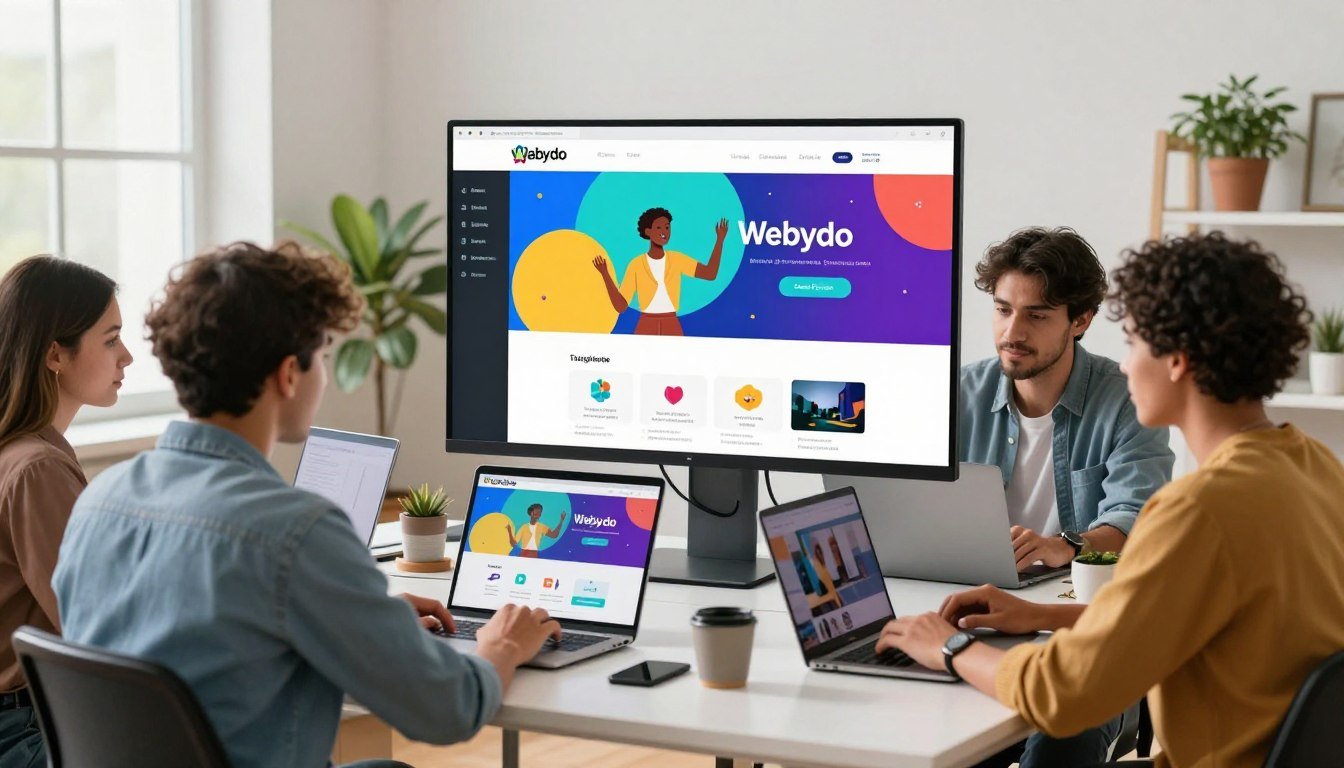
Creating custom, professional websites without writing code is a top priority for designers in 2025. The right platform turns complex projects into smooth workflows. It helps you deliver outstanding results to clients faster.
This review explores a leading website builder built for professional designers and agencies. The platform acts as a Design Management System (DMS). It merges deep creative control with efficient team and client collaboration tools.
Since its start, the solution has evolved to meet modern demands. The 2025 strategy includes AI-assisted layouts and performance insights. This focus empowers web designers and creative teams to work smarter.
The primary audience includes freelance designers, creative agencies, and marketing teams. They need a white-label solution to manage client projects from start to finish. This platform is designed for that exact purpose.
Key capabilities define the experience. You get pixel-perfect design freedom. There are robust controls for responsive design on all devices. A built-in client content management system (CMS) lets clients update their websites safely.
Our analysis will cover features, pricing, and comparisons. We will help you decide if this is the right tool for your web design business. Let’s examine how you can build websites that impress.
Key Takeaways
- The platform is a no-code website builder made for professional designers and agencies.
- It functions as a Design Management System, blending creative design tools with project workflow.
- Freelancers and teams can use it as a white-label solution to deliver client websites.
- Core features include pixel-perfect editing, responsive controls, and a client CMS.
- The 2025 focus incorporates AI aids and performance analytics for designers.
- It eliminates the need to write a single line of code, speeding up the design process.
Introduction: A No-Code Platform for Design Professionals
Visual design tools are empowering creatives to construct fully functional websites entirely without code. This shift defines the modern no-code movement. It removes traditional development hurdles for professional designers and agencies.
The right platform serves as a premier solution in this space. It positions itself for experts who want to bypass coding entirely. This approach grants complete creative authority over the final product.
A no-code platform uses a visual, drag-and-drop interface. Designers translate their visions directly into live, responsive websites. This process happens on a familiar, Photoshop-style canvas.
The core demographic includes freelance web designers, creative agencies, and marketing teams. These professionals require extensive control but often lack coding resources. A specialized website builder addresses this exact need.
The foundational promise is clear. Users can create custom websites without writing a single line of code. This is a key selling point for its target audience. It turns complex web design projects into manageable visual tasks.
A typical workflow starts on the design canvas. Every element is placed with pixel-perfect precision. The process moves seamlessly to client review and final handoff.
All steps occur within a unified, code-free environment. This integration is crucial for efficiency. It keeps the entire project under the designer’s control from start to finish.
The broader trend is toward greater design autonomy. Professionals now compare tools based on output quality. They seek solutions that deliver professional-grade results rivaling custom development.
This focus on high-quality output separates advanced platforms from basic website builder tools. For busy designers, the practical benefit is massive time savings. They can deliver outstanding projects to their clients faster and more reliably.
What is Webydo? Defining the Design Management System
The concept of a Design Management System merges creative freedom with structured workflow management. It represents a specialized category beyond standard drag-and-drop website builder tools.
This type of platform manages the entire process from initial design to final publish. It includes content, permissions, and hosting in one unified environment.
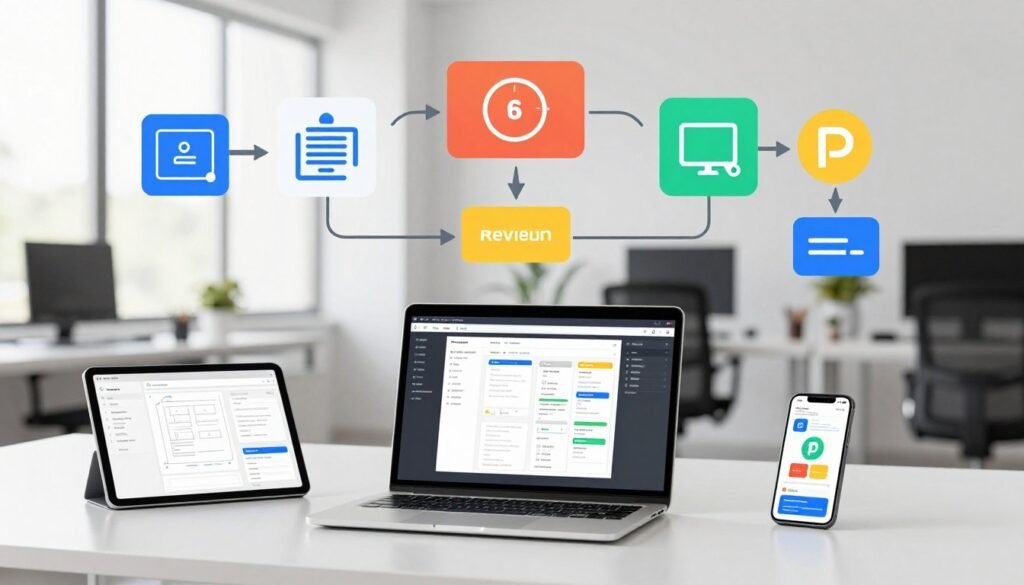
A DMS focuses squarely on professional design workflows for agencies and freelancers. It provides the control developers need without writing a single line of code.
This approach lets designers build custom websites without relying on external technical resources. The system handles the complex backend, freeing creatives to focus on visual output.
Webydo’s Evolution and 2025 Position
Founded in 2012, the platform launched publicly in 2013 with a WYSIWYG editor. Founders Shmulik Grizim and Tzvika Steinmetz targeted professional web design studios.
Key milestones shaped its growth. The 2015 update introduced a built-in client CMS. This allowed clients to update content safely within the designer’s framework.
Responsive breakpoints arrived in 2018, giving precise control over different screen sizes. Team collaboration tools were added in 2020, enabling agency workflows.
E-commerce features launched in 2023, expanding the platform’s commercial use. Each update reinforced its position at the intersection of creative freedom and enterprise control.
The 2025 strategy emphasizes AI-assisted layout suggestions and hosted performance insights. This focus on intelligent design aids and analytics keeps the platform competitive.
Historically, it competed with solutions like Adobe Muse and Webflow. Today, it carves a niche by combining deep design control with client management features.
The current market position caters to agencies needing a white-label solution. It offers a complete management system for delivering client websites efficiently.
This evolution from a simple builder to a comprehensive DMS reflects industry demands. Professionals now require a unified management system for their entire project lifecycle.
Key Features of Webydo: Powering Professional Workflows
For agencies and freelancers, the core features of a design platform determine project efficiency, creative freedom, and client satisfaction. These key features transform a simple website builder into a complete professional workstation.
They address every stage of the workflow. This includes initial concepting, client collaboration, and final publishing.
Professional-Grade Design Interface
The design interface is built for precision. It mirrors the feel of traditional software like Adobe XD or Photoshop.
This familiarity speeds up the creative process. Designers work on a visual canvas with true pixel-perfect control.
Advanced design tools include flexible grid systems and detailed typography settings. The platform allows users to place every element exactly where they envision it.
This level of detail is crucial for creating unique, branded websites. The no-code drag-and-drop environment makes this power accessible to all designers.
White-Label CMS & Client Management
Agencies can fully rebrand the entire platform with their own logo and colors. This white-label solution starts with the Team plan.
It presents a seamless, professional front to clients. The built-in client content management system (CMS) is a major advantage.
You can grant clients secure permissions to update text or images on their site. This happens within the predefined design framework you create.
It prevents clients from accidentally breaking the layout. This feature streamlines ongoing content updates and maintenance.
Advanced Responsive Design Controls
Creating responsive websites requires more than automatic scaling. This platform provides deep, custom controls for responsive design.
Designers can set and adjust custom breakpoints for any device size. They can preview and tweak the layout for mobile, tablet, and desktop views independently.
This ensures every page looks flawless on any screen. The tools give creators confidence that their design intent is preserved everywhere.
Code Export and Hosting Flexibility
Higher-tier plans include a powerful feature: the ability to export clean, standards-compliant website code. You can download the entire project for external hosting.
This is a rare capability in the no-code space. It offers ultimate flexibility for specific client needs or infrastructure.
For most projects, the platform’s own reliable, SSL-secured hosting is the standard option. It provides speed and security without technical management.
Collaboration and Team Tools
Modern design is rarely a solo effort. The platform includes robust collaboration features built for designers agencies.
Multiple team members can edit a website in real-time. Role-based permissions control who can edit, comment, or publish.
This streamlines internal reviews and approvals. It turns complex team projects into a smooth, coordinated workflow.
Additional professional tools round out the toolkit. Built-in SEO optimization helps websites rank better.
Performance analytics provide insights into site traffic. Some plans even support 3D model integration for cutting-edge visuals.
Together, these key features deliver tangible value. They enable faster project turnaround and reduce reliance on developers.
They also enhance an agency’s brand presentation to its websites clients. This comprehensive suite is designed to power serious creative businesses.
The Advantages: Why Designers Choose Webydo
A platform’s true value is measured by the tangible advantages it delivers to a designer’s daily workflow and bottom line. For creative professionals, these benefits solve critical business challenges.
They turn a complex project into a streamlined, profitable service. This analysis highlights the core reasons designers agencies select this solution.
Complete Creative Control Without Code
The promise of total creative freedom is the primary draw. Designers want to execute their vision without technical barriers.
This platform delivers pixel-perfect design control on a visual canvas. You can build custom websites without writing a single line of code.
Advanced design tools handle complex layouts and interactions. This empowers web designers to focus purely on aesthetics and user experience.
The result is a unique, branded website that matches the original concept exactly. This level of control was once only possible with custom development.
Streamlined Client Handoff and Branding
Managing clients professionally is crucial for any web design business. A white-label system presents your agency as the sole expert.
You can rebrand the entire interface with your logo and colors. This creates a seamless experience for your websites clients.
The built-in client CMS is a major advantage for ongoing relationships. You grant clients secure access to update their own content.
This keeps the design intact while reducing post-launch support requests. It strengthens trust and perceived value, leading to better collaboration.
Cost and Time Efficiency for Agencies
Financial and operational efficiency directly impacts profitability. Reducing dependency on front-end developers lowers project overhead significantly.
The intuitive drag-and-drop interface speeds up website creation. Built-in responsive design tools save countless development hours.
You can manage multiple client websites from a single, unified dashboard. This streamlines operations for your entire team.
Faster project timelines mean you can take on more clients. For freelancers and small agencies, these efficiencies address common pain points like tight deadlines and budget constraints.
The platform is a smart investment for growing a sustainable web design practice.
Potential Limitations and Considerations
To make a fully informed decision, it’s essential to examine not just the strengths but also the potential drawbacks of any platform. A transparent assessment helps you match the tool to your specific business needs and risk tolerance.
This evaluation covers key areas where some users may encounter friction or find the solution less than ideal.
Learning Curve and Interface Complexity
The powerful design interface comes with a notable learning curve. Beginners or those accustomed to simpler website builders may feel initially overwhelmed.
The professional-grade tools and deep controls require time to master. This complexity is a trade-off for the pixel-perfect freedom it offers to experienced designers.
New users should budget time for tutorials and practice. The investment pays off but is a real consideration for fast-paced projects.
Hosting Restrictions and Ecosystem Limits
Primary hosting for all sites is within the platform’s own ecosystem. While higher plans offer code export, the standard workflow keeps your client projects on their servers.
This can be a limitation for clients with existing hosting contracts or specific infrastructure needs. The built-in environment is robust but less flexible than managing your own server.
Additionally, the library of third-party integrations and templates is smaller than some mass-market competitors. Developers seeking endless app connections might find the ecosystem somewhat confined.
E-commerce and Advanced Functionality Gaps
While basic online store capabilities exist, they lack the depth of dedicated e-commerce platforms like Shopify. The product management and payment gateway options are more limited.
Creating complex, inventory-heavy websites for large retailers may push against its boundaries. Marketing tools, like advanced email automation, are also not a core focus.
The platform excels at design-forward brochure sites and portfolios. For advanced store functionality, it may serve as a starting point rather than a complete solution.
Reported Customer Service Concerns
User reviews and forum discussions have highlighted occasional service issues. Some reports mention aggressive sales tactics during the sign-up process.
Other feedback points to slower-than-expected response times for support email tickets. This is a critical factor for agencies managing tight deadlines for multiple clients.
While many users have positive experiences, these reported concerns are worth noting. Reliable support is crucial when managing live client pages.
Other considerations include the lack of a permanent free plan and potential performance dips on very large, media-heavy sites. The design focus can sometimes mean content management for complex page structures feels secondary.
Understanding these points helps clarify the ideal user. This platform is a powerhouse for web professionals prioritizing creative control over a vast app marketplace or complex backend needs.
Webydo Pricing and Plan Analysis for 2025
A clear understanding of a platform’s cost structure directly impacts your agency’s profitability and service offerings. The 2025 pricing model is structured around a per-site fee, encouraging scalability for growing businesses.

Two primary pricing schemes are referenced for this year. The first model emphasizes volume discounts, with rates as low as $4 per site monthly for the Agency tier. This requires an annual commitment.
The second common model lists flat monthly rates. The Pro plan is $29, Team is $79, and Agency is $179 per month. This discrepancy often relates to the number of published sites included.
We will focus on the per-site, billed annually structure for a detailed breakdown. This approach offers the best value for active designers agencies.
The Starter tier costs $12 per site/month. It includes core design tools and is ideal for a freelancer testing the product. The Pro plan drops to $7.5 per site/month.
This tier often limits you to one live website. The Team plan at $5 per site/month unlocks white-label branding and team collaboration tools. It is the entry point for serious agencies.
The Agency tier, at $4 per site/month, adds priority support and more client CMS seats. Custom Enterprise pricing is available for very large studios or specific hosting needs.
Choosing billed annually provides significant savings but requires a longer commitment. Monthly billing is typically higher. Always calculate your total projected cost based on active client projects.
The real ROI comes from time savings and streamlined client management. Features like the white-label CMS reduce post-launch support email traffic. This efficiency can quickly offset the monthly hosting fee.
When selecting a plan, audit your project pipeline. Freelancers with a few clients may start with Pro. Growing team-based operations need the Team tier for branding and collaboration.
High-volume agencies benefit most from the Agency rate. Always confirm the latest features tied to each tier, as code export is typically reserved for higher plans.
How Webydo Stacks Up: Top Alternatives Compared
In a crowded market of design tools, understanding how key alternatives differ is crucial for making an informed choice. Several platforms compete for the attention of creative professionals.
Each website builder offers a unique blend of features, pricing, and target audience. A direct comparison clarifies the trade-offs.
Wix Studio provides a powerful drag-and-drop editor with an extensive app market. It suits freelancers and small businesses seeking a feature-rich solution.
Its template library is vast and visually appealing. However, deep design control can feel limited compared to professional-grade canvases.
Webflow stands out with its visual coding approach, offering near-total customization. It attracts developers and technically-minded designers.
The learning curve is steeper, but the output is clean, production-ready code. It excels for complex animations and interactive websites.
Squarespace is renowned for elegant, designer-crafted templates and exceptional ease of use. It’s a top pick for portfolios and small business website projects.
Its strength lies in beautiful aesthetics out of the box. The platform offers less flexibility for unique, custom layouts.
WordPress combined with the Elementor page builder creates a flexible, CMS-powered product. It dominates the market for content-heavy sites.
The ecosystem is enormous, but it requires more ongoing management, updates, and security vigilance. It’s a builder on top of a powerful but complex system.
Where does this platform fit? It carves a niche with its professional-grade design interface and integrated client management. The white-label CMS is a key differentiator for agencies.
The ability to export clean code is a rare feature in this space. This solution is built for designers agencies that need to present a unified brand to their clients.
For an agency requiring total brand control and a streamlined client handoff, this platform is a superior choice. Its workflow is optimized for delivering client websites efficiently.
Conversely, beginners may find its interface complex compared to Wix or Squarespace. Projects requiring deep, complex e-commerce might be better served by a dedicated platform like Shopify.
Other notable alternatives serve specific niches. Figma is the industry standard for prototyping and UI design, though it requires additional steps to publish live sites.
Shopify is the undisputed leader for dedicated online stores, with unparalleled inventory and payment tools. Tilda Publishing focuses on beautiful, typography-driven content sites.
Your selection depends on your primary need. Evaluate the level of design control, required collaboration tools, and the importance of a white-label environment.
This comparative analysis highlights that no single platform is best for everyone. Weighing these options ensures you invest in the right design tools for your business growth.
Conclusion: Is Webydo the Right Tool for Your Web Design Business?
Your final decision hinges on matching the platform’s capabilities directly to your business model and client needs. For design-focused professionals who value creative control and white-label client management, Webydo is a powerful match. It may not suit those needing advanced e-commerce or extreme technical customization.
The platform’s strengths are clear. It offers unparalleled design control for a no-code environment. Its efficient client collaboration and management tools streamline the entire workflow.
This makes it ideal for agencies and freelancers running a serious web design business. Assess your specific needs for client site projects. Consider a trial to get started and see if its design tools fit your process.
Ultimately, Webydo is a strategic investment. It elevates client deliverables and reduces post-launch email support requests. For designers building custom websites, it provides the creative superpower to manage multiple visual brands efficiently.